
 APK
The PHIVOLCS FaultFinder v20
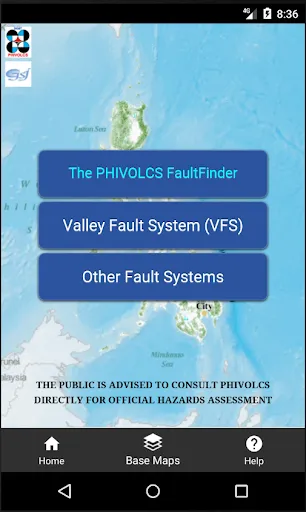
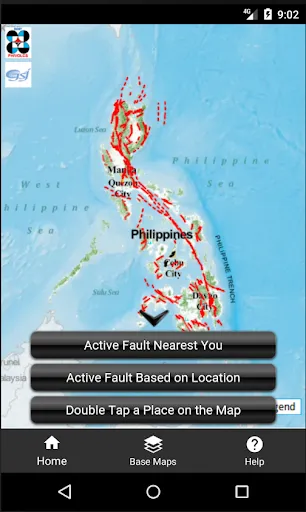
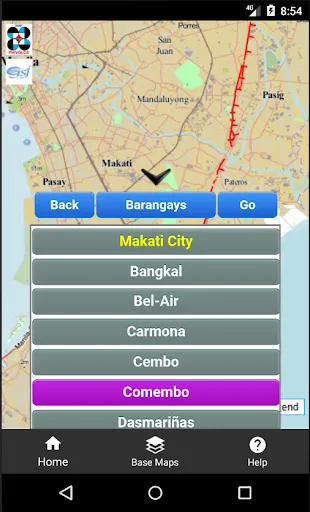
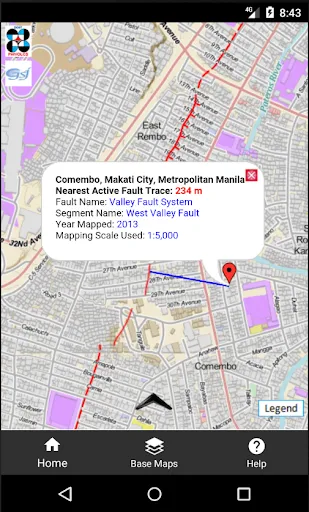
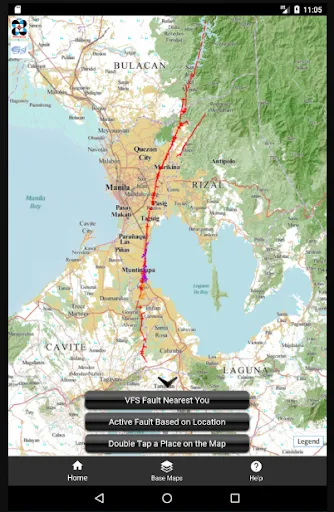
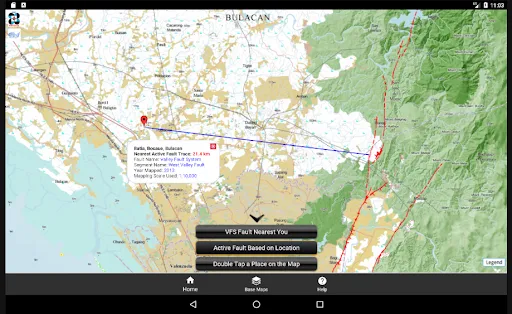
PHIVOLCS FaultFinder shows how far your current location, an address, or a point you pick on the map is from the nearest active fault in the Philippines. It uses the PHIVOLCS active fault database and maps from the Philippine Geoportal, Google Maps, and OpenStreetMap.
View on Google Play
Opens the Google Play listing
Official store link
Version
20
File Size
4 MB
Developer
Joel Bandibas
Screenshots & Preview
Click any image to view in full screen
Frequently Asked Questions
Common inquiries regarding The PHIVOLCS FaultFinder installation & verification
What is PHIVOLCS FaultFinder?
PHIVOLCS FaultFinder is a free app that shows the distance between your location, an address, or a point on the map and the nearest active fault, using the PHIVOLCS active fault database.
Who developed PHIVOLCS FaultFinder?
PHIVOLCS FaultFinder was developed by Joel Bandibas.
Does PHIVOLCS FaultFinder need internet?
Yes, the app needs an internet connection to access the web-based PHIVOLCS active fault database and map services.
Which maps does PHIVOLCS FaultFinder use?
The app uses three base maps: the Philippine Geoportal Map, Google Maps, and OpenStreetMap.
Is PHIVOLCS FaultFinder free?
Yes, PHIVOLCS FaultFinder is free to download from Google Play.
Who is PHIVOLCS FaultFinder useful for?
It is useful for homeowners, developers, and planners who want to check how near a site is to an active fault before building.
Similar & Recommended
Other popular downloads in this category




The PHIVOLCS FaultFinder
Maps & Navigation · 4 MB